iPhone Wallpaper Size (2026): Exact Dimensions for Every Model
Ever set a wallpaper on your iPhone and it looked zoomed, blurry, or badly cropped? That happens when the iPhone wallpaper size doesn’t match your screen. Modern iPhones use very specific resolutions and ratios, so even a small mismatch can ruin the look.
This complete guide explains everything about iPhone wallpaper dimensions, including exact sizes for every model, how to fix zoom issues, and how to choose the best wallpaper size for iPhone. You’ll also learn how iOS wallpaper scaling, safe areas, and aspect ratios affect your wallpaper so you can get a perfect fit every time.
Quick Answer (Featured Snippet)
The ideal iPhone wallpaper size depends on your model, but most modern devices use:
| Type | Recommended Size |
| Standard / Pro | 1179 × 2556 px |
| Plus / Pro Max | 1290 × 2796 px |
| Latest Pro Max (2026) | 1320 × 2868 px |
A safe universal option is 1290 × 2796 pixels, but for newer devices, larger images work better.
What Is iPhone Wallpaper Size?
The iPhone wallpaper size is the exact resolution your screen uses, also known as iPhone screen resolution or iPhone display resolution. It determines how sharp your wallpaper appears.
Each iPhone has a fixed resolution measured in iPhone wallpaper pixels. These pixels are packed tightly due to the iPhone retina display resolution, which creates sharp and clear visuals. That’s why low-quality images look blurry.
The correct wallpaper size iPhone should match or exceed your device resolution. Larger images work better because of iOS wallpaper scaling, which shrinks images without losing quality.
Modern iPhones use a tall iPhone wallpaper ratio, typically the iPhone screen aspect ratio 19.5:9, which is different from older formats like 16:9.
Best iPhone Wallpaper Size for All Models
Choosing one size that works across devices is useful if you download or create wallpapers regularly.
Universal iPhone Wallpaper Size
The best universal iPhone background size is 1290 × 2796 pixels, which fits most modern devices.
Why Larger Images Work Better
Using larger images ensures compatibility with HD wallpaper for iPhone and even 4K wallpaper iPhone compatibility. Bigger images prevent blur and improve clarity on high-resolution screens.
Safe Resolution for iPhone Wallpapers
When choosing custom wallpaper iPhone dimensions, leave extra space at the top and bottom. This avoids overlap with UI elements like the clock and icons.
This is especially important for both iPhone lock screen wallpaper size and iPhone home screen wallpaper size, where different elements cover parts of the image.
iPhone Wallpaper Size by Model (2026 Updated)
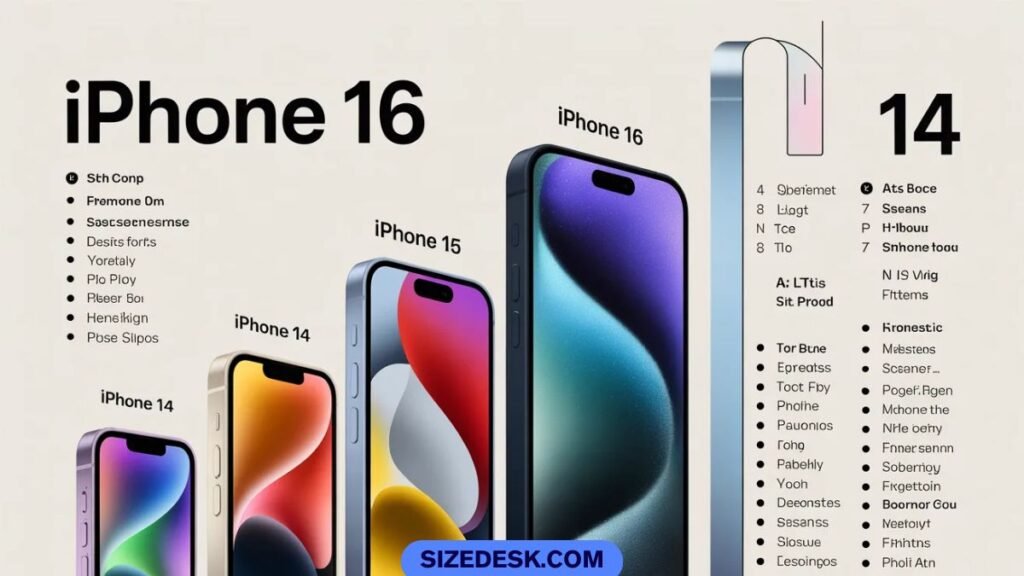
Here is a clean and accurate phone wallpaper dimensions chart:
| iPhone Model | Screen Size | Resolution (Pixels) | Aspect Ratio |
| iPhone 16 Pro Max | 6.9″ | 1320 × 2868 | ~19.5:9 |
| iPhone 16 Pro | 6.3″ | 1206 × 2622 | ~19.5:9 |
| iPhone 16 | 6.1″ | 1179 × 2556 | ~19.5:9 |
| iPhone 16 Plus | 6.7″ | 1290 × 2796 | ~19.5:9 |
| iPhone 15 Pro Max | 6.7″ | 1290 × 2796 | ~19.5:9 |
| iPhone 15 Pro | 6.1″ | 1179 × 2556 | ~19.5:9 |
| iPhone 14 / 13 | 6.1″ | 1170 × 2532 | ~19.5:9 |
| iPhone 13 mini | 5.4″ | 1080 × 2340 | ~19.5:9 |
| iPhone SE (3rd Gen) | 4.7″ | 750 × 1334 | 16:9 |
Modern devices follow a similar ratio, making it easier to reuse wallpapers across models. The iPhone 16 wallpaper size is slightly larger than older models, while the iPhone 15 Pro wallpaper dimensions and iPhone 14 wallpaper resolution remain very close.
iPhone Wallpaper Size in Pixels, Inches & Ratio
Understanding wallpaper sizing helps you avoid mistakes. Pixels define resolution, inches define screen size, and ratio defines how the image fits.
The wallpaper aspect ratio for iPhone is more important than raw pixel numbers. Most modern devices use the iPhone screen aspect ratio 19.5:9, which is taller than traditional formats.
The iPhone PPI meaning refers to pixel density. Apple’s retina display pixel density exceeds 450 PPI, which means wallpapers must be high resolution to look sharp.
Read Also: How Tall Is a Red Bull Can? Size, Height & Diameter (250ml, 12 oz, 16 oz)
Why Your iPhone Wallpaper Looks Zoomed or Cropped
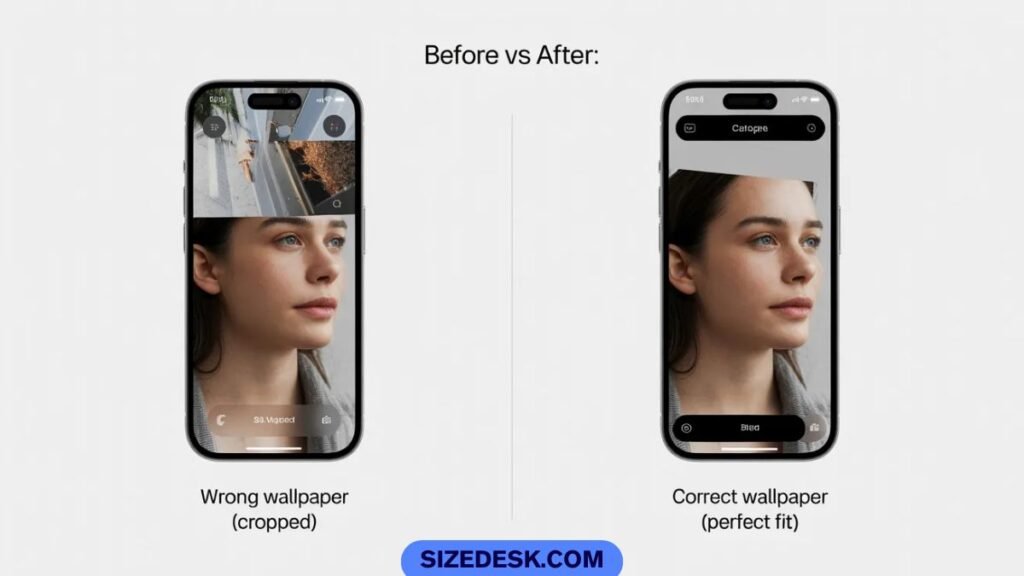
Many users face this issue because of how iOS handles wallpapers.
Parallax Effect
The parallax wallpaper iPhone feature adds motion when you tilt your phone. This requires extra image space, which causes cropping.
Auto Zoom
iPhones automatically zoom wallpapers slightly to create depth. This is part of iOS wallpaper scaling, and it can make images appear larger than expected.
Safe Area Issues
Important parts of your image can get hidden under the clock or icons. This is why understanding vertical wallpaper dimensions is important.
How to Make Wallpaper Fit Perfectly on iPhone
To get a perfect fit, open iPhone wallpaper settings and select your image. Adjust using pinch gestures and zoom out slightly before applying.
When learning how to resize wallpaper for iPhone, tools like Canva help. Use the exact Canva iPhone wallpaper size for your model.
If you want to know how to fit wallpaper on iPhone screen, keep important elements centered and avoid edges.
Lock Screen vs Home Screen Wallpaper Size
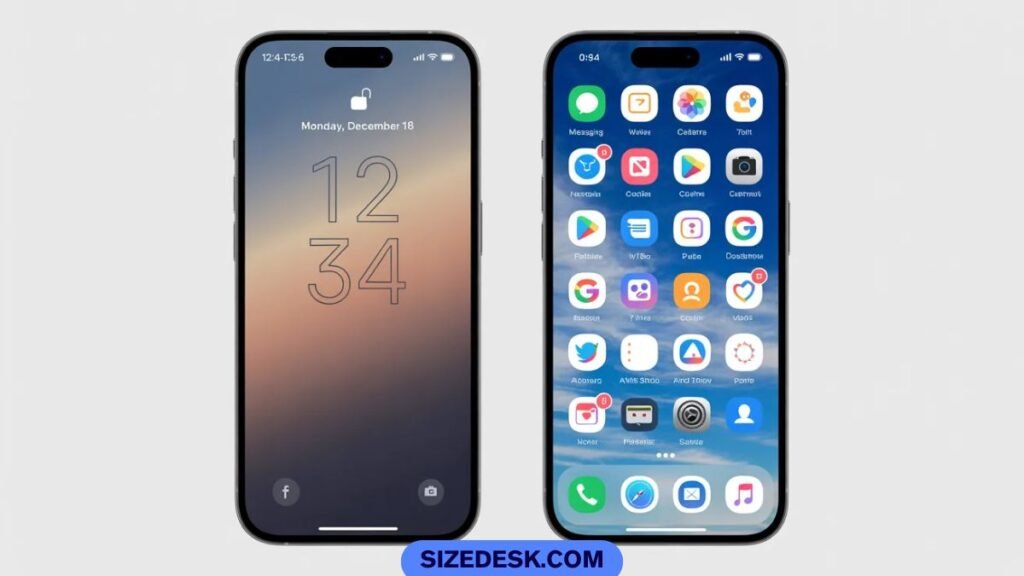
The iPhone lock screen wallpaper size and iPhone home screen wallpaper size are technically the same resolution, but they behave differently.
The lock screen has the clock and widgets at the top, while the home screen has icons and dock elements at the bottom. This means you must design your wallpaper with empty space in these areas.
Best Image Format for iPhone Wallpapers
Choosing the right format is just as important as size.
PNG is best for graphics and text-based wallpapers because it keeps sharp edges. JPG is better for photos because it reduces file size. HEIC is Apple’s default format and offers high quality with smaller storage.
When selecting the best image size for phone wallpaper, format and resolution should work together for the best results.
How to Find Your iPhone Wallpaper Dimensions?
Knowing your exact iPhone wallpaper dimensions helps you avoid guesswork and ensures you always use the correct wallpaper size iPhone for your device. Even small differences in iPhone display resolution can affect how your wallpaper looks.
Method 1: Check Your Model Number
Go to Settings, open General, then tap About to see your device name. Once you know your model, match it with a trusted iPhone wallpaper resolution guide or phone wallpaper dimensions chart to find the exact iPhone wallpaper size.
Method 2: The Screenshot Trick
Take a screenshot and open it in Photos. Tap the info icon to see the resolution, which shows your exact iPhone wallpaper pixels. This method directly reveals your real iPhone screen resolution.
Method 3: Use a Wallpaper Detection App
Apps can automatically detect your wallpaper size for iPhone, iPhone wallpaper ratio, and recommend the best image size for phone wallpaper. Many also provide ready-made wallpapers optimized for your device.
Method 4: Check Apple’s Official Specs
Visit Apple’s official site and search your model. Under display details, you’ll find your iPhone display resolution, retina display pixel density, and iPhone screen aspect ratio 19.5:9.
Read Also: How Tall Is a Monster Can? Full Monster Can Dimensions Guide (16 oz, 24 oz & More)
Best iPhone Wallpaper Size for Pinterest & Downloads
For Pinterest, vertical images perform best, so use sizes like 1000 × 1800 px or 1242 × 2688 px, but for real device compatibility, match actual iPhone wallpaper dimensions such as 1290 × 2796 px or 1320 × 2868 px.
Always design using the iPhone wallpaper ratio (19.5:9) and high resolution so your images stay sharp as HD wallpaper for iPhone and don’t lose quality after Pinterest compression.
Common Mistakes to Avoid
Many people use the wrong wallpaper without realizing it. A common mistake is using low-resolution images that don’t match the iPhone display resolution.
Another issue is using 16:9 wallpapers on modern devices. This does not match the iPhone wallpaper ratio, causing cropping.
Ignoring safe areas is another big problem. Important parts of your wallpaper may get hidden under UI elements.
Finally, compressed images from social media often lose quality. Always choose high-resolution sources.
Frequently Asked Questions About iPhone Wallpaper Size
Is 16:9 wallpaper size?
Yes, but only for older devices like iPhone SE. Modern iPhones use a taller iPhone wallpaper ratio, so 16:9 often gets cropped.
What is the iPhone 17 wallpaper size?
The iPhone 17 (released Sept 2025) uses similar iPhone wallpaper dimensions as the iPhone 16 series.
Typical sizes are around 1179 × 2556 px and 1320 × 2868 px, with minor display improvements possible.
Should I use 4:3 or 16:9 on iPhone?
Neither works well because modern iPhones use the iPhone screen aspect ratio 19.5:9, which is taller.
How big is the iPhone 14 wallpaper?
The iPhone 14 wallpaper resolution is 1170 × 2532 pixels.
What is the size of an iPhone 14 screen?
It has a 6.1-inch display with high retina display pixel density.
Which iPhone has a 6.9 display?
The iPhone 16 Pro Max features a 6.9-inch screen.
How to make picture fit wallpaper on iPhone 14?
Use iPhone wallpaper settings, adjust with pinch gestures, and zoom out slightly to counter iOS wallpaper scaling.
How to make iPhone 14 wallpaper?
Set Canva iPhone wallpaper size to 1170 × 2532 pixels, design your image, and export in high quality.
What is the best wallpaper size for iPhone overall?
The best wallpaper size for iPhone is 1290 × 2796 pixels, which works across most modern devices.
Why does my wallpaper zoom automatically?
This happens due to parallax wallpaper iPhone and built-in zoom effects in iOS.
Conclusion
Getting the iPhone wallpaper size right makes a huge difference in how your screen looks. A properly sized wallpaper stays sharp, fits perfectly, and avoids cropping issues.
Always match your wallpaper to your iPhone screen resolution, use larger images when possible, and understand the iPhone wallpaper ratio. With the right approach, your iPhone screen will always look clean, sharp, and visually stunning.