

Model pages are written for breadth: thirty seconds, fifty references, six aspect ratios, three resolutions. Actual work is narrower. Most people settle into a handful of setups and run them repeatedly, and those setups are worth understanding before you spend a credit.
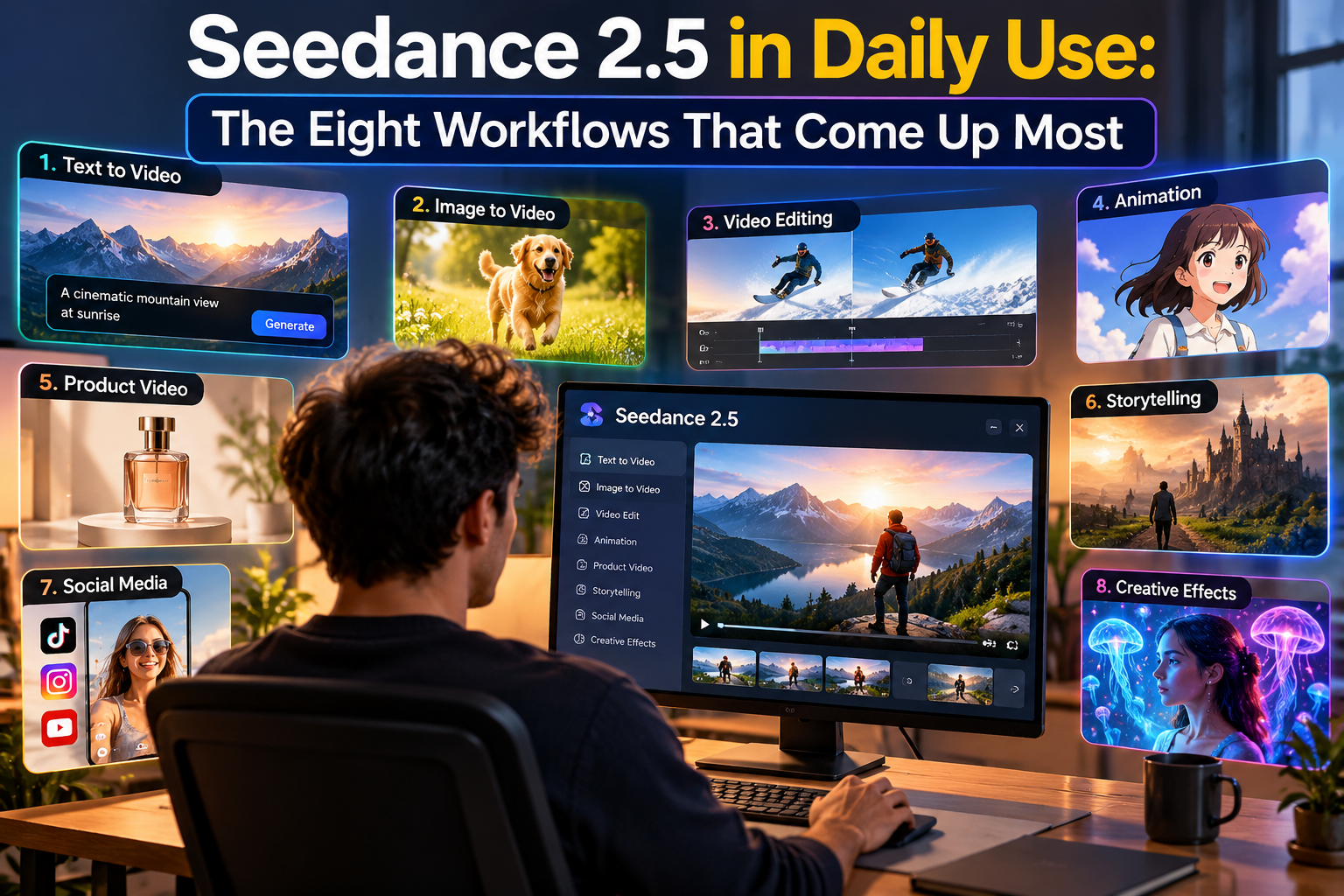
What follows are the Seedance 2.5 use cases that keep coming back in real projects, ordered by how often they appear, with the inputs, duration, resolution and cost of each one. The order follows the tool’s own example library and the two factors that decide whether a setup becomes a habit: how many inputs it needs, and what it costs to reach a usable result.
How to read the numbers before you start
Three billing rules shape every cost below.
Text and image input are billed on output seconds. If you generate five seconds from a prompt or a photo, you pay for five seconds.
Video input is billed together with the output. A five-second result built from a three-second clip is billed as eight seconds. Motion references are worth the extra, but they should be in the plan rather than a surprise.
Failed generations are not charged. Video models fail on complex motion regularly, and a refunded failure is the difference between a cheap test and an expensive one.
Rates are per second of output: 7 credits at 480p, 14 at 720p and 25 at 1080p. A five-second clip therefore costs 35, 70 or 125 credits, and a thirty-second clip costs 210, 420 or 750. Aspect ratio does not change the price; resolution does. Every account also gets 50 free credits a day.
The eight workflows
1. A five-second product ad from a single photo
Who runs it. Ecommerce sellers, DTC brands, and small agencies producing catalog or paid social creative.
Setup. One product photo plus one sentence of camera motion. Five seconds, 16:9, 480p for the first pass: 35 credits. The same prompt at 720p runs 70.
Why it repeats. It needs exactly one asset that most sellers already own, and the result is reusable across a product page, an ad set and a social post. If you sell thirty products, that is thirty videos from thirty photographs rather than thirty shoot days.
Where it breaks. Motion that hides the label or the shape you are selling. A slow push-in that keeps the product readable at second two beats a dramatic sweep that obscures it. This is also the point where most people first turn one product photo into a five-second ad and discover that the composition matters more than the prompt length.
2. Vertical hooks for TikTok, Reels and Shorts
Setup. One image or character reference plus a single action, five seconds, 9:16, 480p: 35 credits.
Why it repeats. Vertical output is the default delivery format for most social work, and five seconds is the length a hook has to prove itself. Because resolution drives cost rather than aspect ratio, testing a vertical idea costs exactly the same as testing a horizontal one.
Where it breaks. Two actions in five seconds. One action that resolves cleanly will out-perform a mini-narrative every time at this duration.
3. Talking-character shots with dialogue
Setup. A character reference image, a single line of dialogue, native audio, and around fifteen seconds at 480p: 105 credits.
Why it repeats. Audio-visual synchronisation is the part of character work that used to require a separate tool and a timeline. Generating a scene where the character speaks, and the sound arrives with it, collapses two steps into one.
Where it breaks. Long speeches. One sentence per shot holds; a paragraph drifts. If the line matters, shorten it rather than pushing the duration out.
4. Extending a clip you already like
Setup. Upload your own existing clip, describe what happens next, and generate a further five seconds. Input and output are billed together, so a three-second clip plus a five-second continuation bills as eight seconds: 56 credits at 480p, 112 at 720p.
Why it repeats. Extending keeps footage you have already approved instead of re-generating it from scratch, which makes it the cheapest way to lengthen a scene that works but ends too early.
Where it breaks. Forgetting the input seconds in the budget, and extending a clip whose last frame is already a resolved ending. Extension works best when the uploaded clip hands off mid-action.
5. A thirty-second multi-shot scene in one pass
Setup. Two to four identity images, one environment or style frame, and a shot list written as a table; thirty seconds at 480p: 210 credits.
Why it repeats. It removes the stitching step entirely. Character, wardrobe, product and grade stay consistent across the sequence because there is no second generation to reinterpret them.
Where it breaks. Ambition. A second location, a costume change or a crowd inside thirty seconds consumes the consistency budget that the first shot needs. One location with a clear camera plan is the version that finishes.
6. Age and appearance changes in one take
Setup. One video reference to hold the composition, plus a prompt describing only the change. A five-second reference driving a ten-second output bills as fifteen seconds: 105 credits at 480p.
Why it repeats. It is one of the most reliably shareable formats, and the video reference is what keeps the framing stable while the face changes. Without it, the model re-composes the shot and the effect reads as a cut.
Where it breaks. Changing composition and appearance in the same pass. Lock the camera with the reference, then change one thing.
7. Period and film-look recreations
Setup. Two or three style references covering wardrobe, colour grade and grain, around ten seconds. At 720p for the finished look: 140 credits.
Why it repeats. Nostalgia formats travel, and supplying references does the grading work that words cannot. Handheld framing, low fidelity and a specific era read immediately when the model can see them.
Where it breaks. Describing the look instead of supplying it. “Nostalgic” means nothing; a reference frame from the era means everything.
8. Fixing one part instead of regenerating
Setup. Region-level or timestamp-level editing on a clip you have already generated: a hand, a logo, a background element, one beat of timing.
Why it repeats. It is the difference between two attempts per project and two attempts per shot. Editing a region costs less than a full regeneration, which is what makes a thirty-second scene affordable to finish rather than merely affordable to attempt.
Where it breaks. Re-rolling the entire thirty seconds to fix one detail. Check whether a targeted edit is possible before you spend the credits.
The eight workflows side by side
| Workflow | Typical inputs | Duration | 480p | 720p |
| Product ad from one photo | 1 image + text | 5s | 35 | 70 |
| Vertical social hook | 1 image + text | 5s | 35 | 70 |
| Talking character with dialogue | 1 character image + text or audio | 15s | 105 | 210 |
| Extending an existing clip | 1 video + text, input counted | 5s output, 8s billed | 56 | 112 |
| 30-second multi-shot scene | 3–5 references + shot list | 30s | 210 | 420 |
| Age or appearance change | 1 video reference + text | 10s output, 15s billed | 105 | 210 |
| Period or film-look recreation | 2–3 style references | 10s | 70 | 140 |
| Local edit of a shot | Existing generation | Partial | Below a full regeneration | Below a full regeneration |
At 1080p, multiply the per-second rate by 25 rather than 7 or 14. The pattern the table makes obvious: duration and resolution set the bill, references set the quality, and the two cheapest workflows on the list are also the two that come up most often.
Three mistakes that appear in almost all of them
Testing at final resolution. A five-second 1080p test costs 125 credits. The same test at 480p costs 35 and answers the same question about composition. Save the higher resolutions for the version that ships.
Changing two variables at once. If the prompt, the reference image and the aspect ratio all change between runs, a bad result teaches you nothing. Change one, compare, then change the next.
Regenerating instead of editing. Most of the frustration in these workflows comes from a single bad detail in an otherwise finished shot. Targeted editing exists for exactly that case.
FAQ
Which workflow should a first-time user start with? A five-second product shot or vertical hook at 480p, at 35 credits. It needs one input, it produces a result you can actually publish, and it leaves 15 of the 50 free daily credits for a second attempt.
Does aspect ratio change the cost? No. Duration and resolution do. A 9:16 clip costs the same per second as a 16:9 clip.
Why is extending a clip more expensive than generating it fresh? It is not. The input seconds are counted alongside the output, so a five-second continuation from a three-second clip is billed as eight seconds rather than fifteen or thirty.
What is the cheapest way to test an idea? One image, five seconds, 480p, no video reference. If the composition works at that price, move to 720p for the final version.
Where to start
Pick the workflow that matches the asset you already have. A product photo, a character portrait, or a clip that ends too soon each maps to one of the eight setups above, and each of them can be tested inside a single day’s free credits before you decide whether the paid packs are worth it

